ePOE feature guide3 min read
Feature Bar in ePOE: A Practical Guide
A slim always-on-top strip pinned over the game's XP bar, with a button per tool.


A slim always-on-top strip pinned over the game's XP bar, with a button per tool.
A slim launcher parked over your XP bar with one-click access to every tool. Run it, the Selection Wheel, or both.
Where to start
Appears automatically while the overlay is attached, Show feature bar is on, and the Launcher is set to Feature Bar or Both. Its settings are on the pinned Feature Bar page in the rail.
- Open the pinned Feature Bar page in the rail. Under Feature Bar, pick the Launcher — Feature Bar (the default), Selection Wheel or Both — and leave Show feature bar on.
- Under Buttons, switch on the tools you want; the bar keeps them in the list's order. Adding a button also switches that tool back on under Overlays → Overlays if it was off.
- Most tools start on, Sales History included. Crafting Simulator, Rune Scout, Service Board, Favorites, Expedition Rumours, Expedition Remnant, Expedition Chain and Map Mods start off — add what you use and trim the rest.
- A button hides in game while its tool is switched off under Overlays → Overlays. The bar also carries a Discord button.
- Drag the strip to nudge it off the XP bar — its position is remembered. With the Launcher on Selection Wheel the bar stays hidden, but Buttons still decides what the wheel offers.
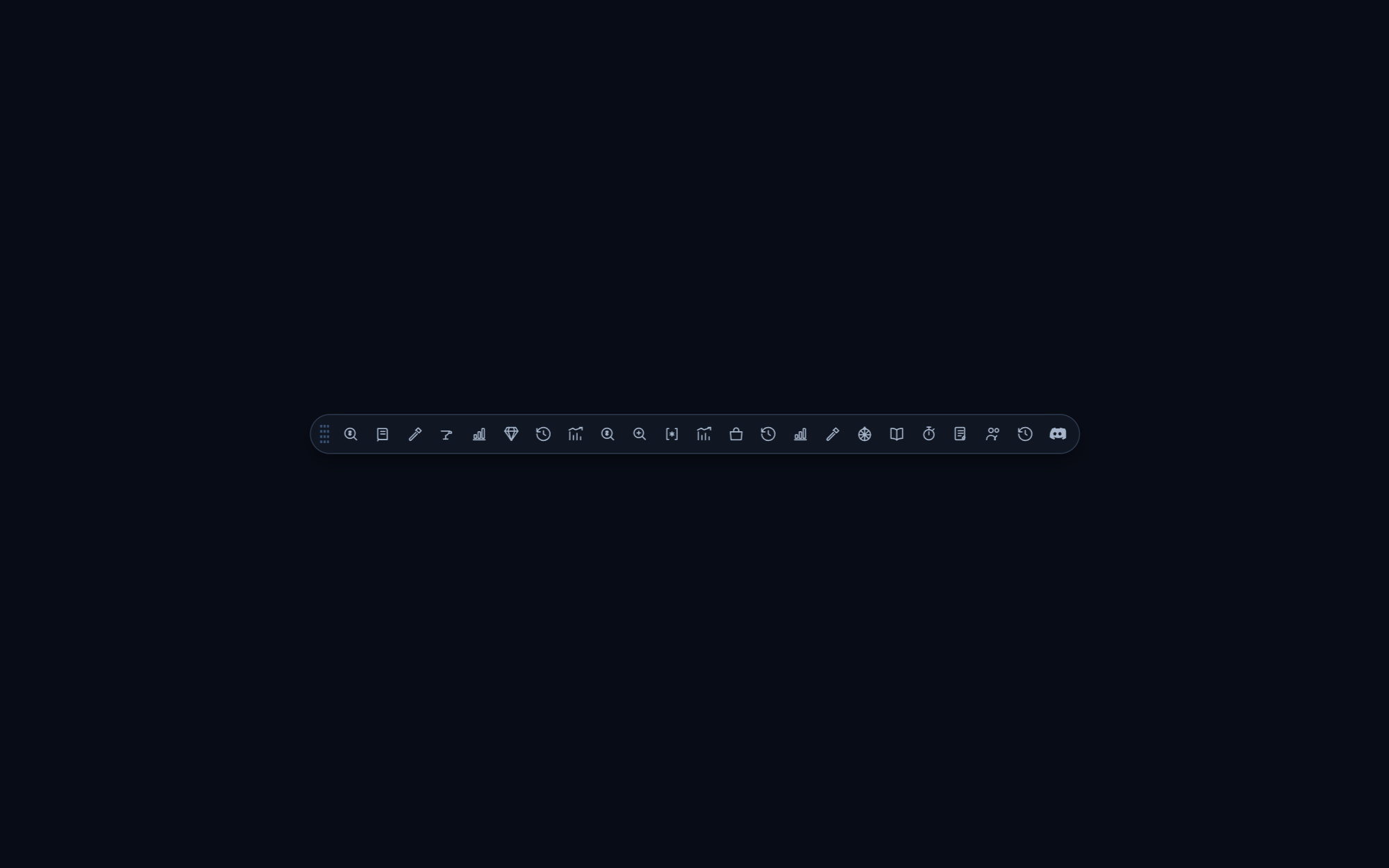
The Feature Bar
The slim strip of icons pinned over the game's XP bar while Path of Exile 2 runs. Drag it to nudge it into place; its position is remembered.
Choose its buttons on the Feature Bar page, pinned at the bottom of the rail, under Buttons. Most tools are on by default, including Sales History; Crafting Simulator, Rune Scout, Service Board, Favorites, Expedition Rumours, Expedition Remnant, Expedition Chain and Map Mods start off. Twenty-odd icons is a lot — switch off what you do not use. Show Feature Bar on the same page hides the strip altogether. A tool whose own switch under Overlays → Overlays is off also drops off the bar.
Launcher on the same page decides how you reach your tools in game: Feature Bar, Selection Wheel or Both. The default is Feature Bar. On Selection Wheel the strip stays hidden, but its Buttons list still decides which tools the wheel offers.
The feature in practice
Besides the price panel, ePOE draws a handful of small floating widgets over the game. Each one opens from the Feature Bar, the Selection Wheel, or a hotkey. The widget hotkeys ship unbound — give the ones you use a key under Overlays → Hotkeys. Drag any widget by its title bar; it remembers where you put it.
Try it in your next session
Start with the first action in the walkthrough, check the values and state the app shows, then continue with the settings that suit your character or workflow. Your own configured hotkeys and selected league take priority over an example in a screenshot.
Download ePOE · Read the current changelog · Browse the guides