 ePOE feature guide2 min read
Item Database: Find the Right Base Before You Buy
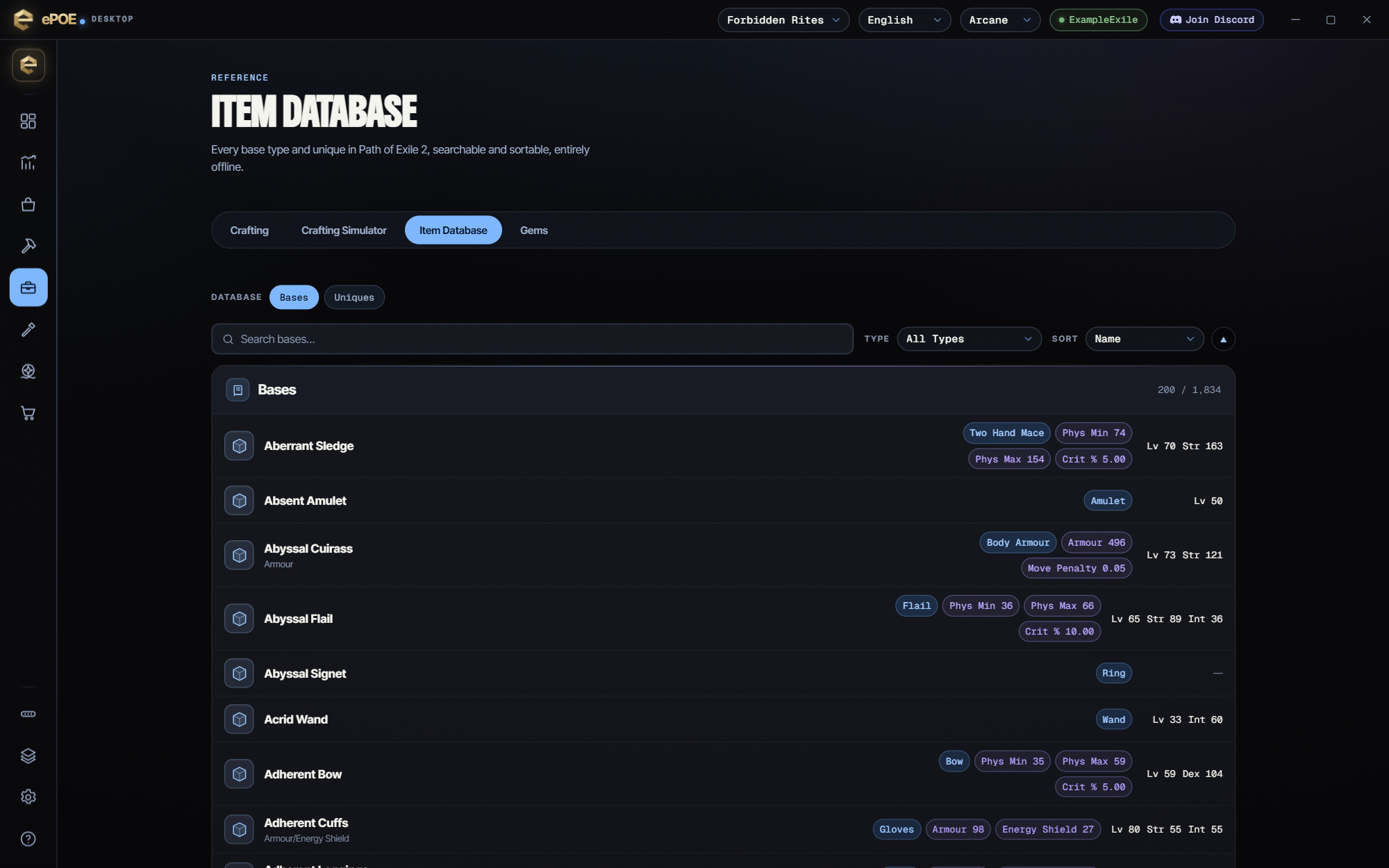
The bundled bases and uniques with its full craftable mod pool, tiers and item-level requirements. Works offline.


The bundled bases and uniques with its full craftable mod pool, tiers and item-level requirements. Works offline.
The bundled bases and uniques, searchable in a popout over the game. Open it from the feature bar, or bind it a key of your own.
Where to start
Open Workbench → Item Database in ePOE Desktop. If your layout differs, use Help to search for Item Database.
If you prefer a keyboard shortcut, check this feature’s current binding under Overlays → Hotkeys. Bindings can be changed, so use the one shown in your app.
- Press the hotkey to open it as a window over the game, or open Workbench → Item Database.
- Search for a base to see its mod pool, or a unique to see its roll ranges.
- Check the item level each tier needs before buying a crafting base.
- After a game patch, update ePOE before trusting a tier range — the data ships with the app.
- Use the wiki and PoEDB hotkeys on a hovered item for the full article.
The offline part matters
This data is bundled with the app. It does not need your Path of Exile session, an ePOE account, or an internet connection. Two consequences worth knowing:
- It works when GGG's API is rate-limiting you or down, which is exactly when you want a reference.
- It is only as current as your app version. After a patch that changes mod pools, update ePOE before trusting a tier range.
You can pop it out as its own always-on-top window over the game from the wheel, the Feature Bar or a hotkey of your choosing, which is the intended way to use it: the item in your stash, the pool next to it, no alt-tabbing.
The feature in practice
Open it from the Selection Wheel or Feature Bar in game (or bind it a key in Overlays → Hotkeys), or open Workbench → Item Database in the app. It is the bundled list of item bases and uniques with the modifier pool each one can roll, and it works with no network connection.
Try it in your next session
Start with the first action in the walkthrough, check the values and state the app shows, then continue with the settings that suit your character or workflow. Your own configured hotkeys and selected league take priority over an example in a screenshot.
Download ePOE · Read the current changelog · Browse the guides


