 ePOE feature guide1 min read
Language in ePOE: A Practical Guide
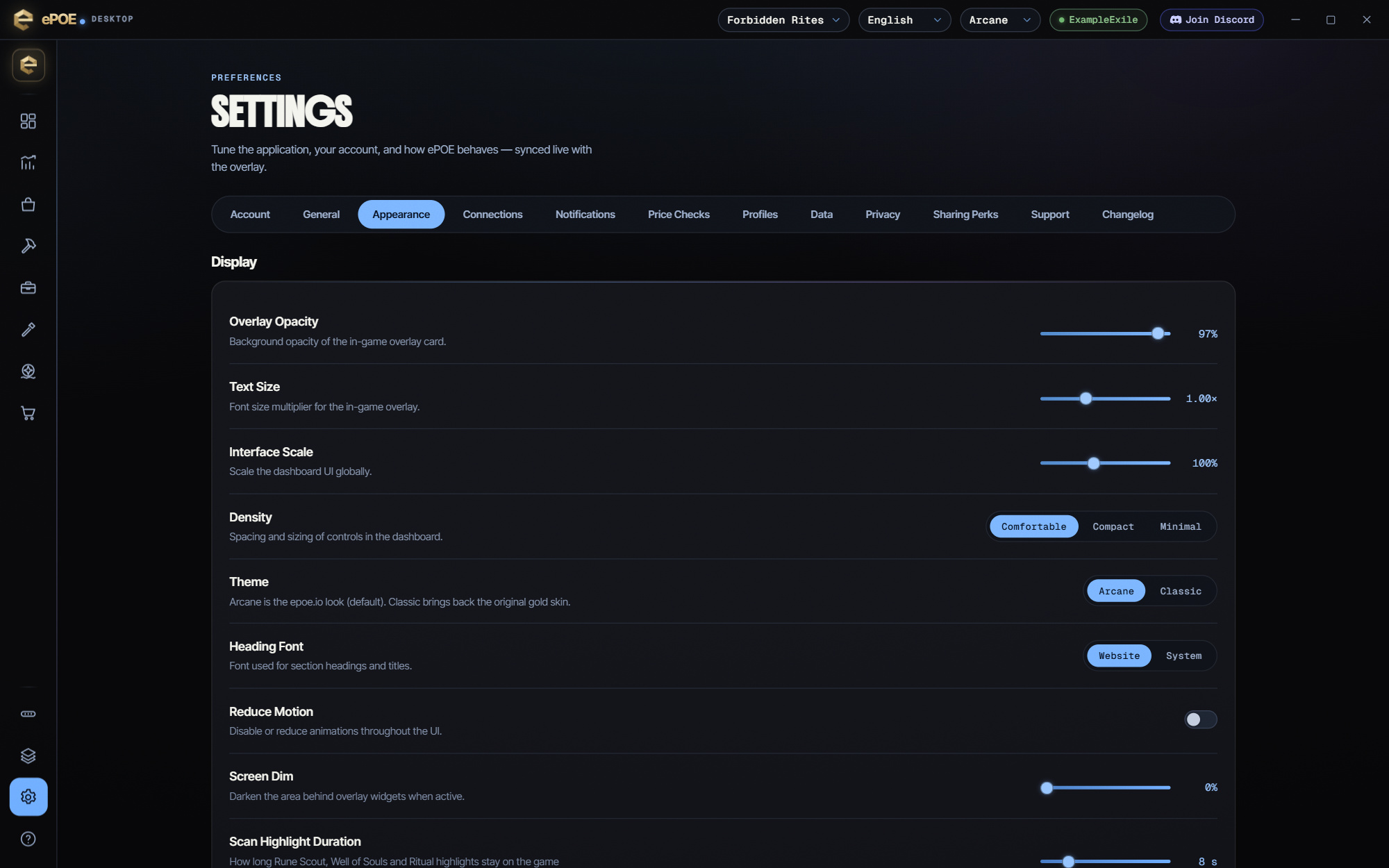
ePOE runs in 10 languages; pick one from the language menu in the title bar. Screen scanners follow your game client's language instead.


ePOE runs in 10 languages; pick one from the language menu in the title bar. Screen scanners follow your game client's language instead.
English, Deutsch, Français, Español, Português, Русский, 한국어, 日本語, ไทย and 繁體中文 — switchable live.
Where to start
Open Overlays in ePOE Desktop. If your layout differs, use Help to search for Language.
- Open the language menu in the title bar, just before the Theme menu, and pick English, German, Spanish, French, Japanese, Korean, Portuguese, Russian, Thai, or Traditional Chinese.
- Your choice is kept across updates; the installer's language is where it starts.
- ePOE tells your epoe.io account which language you use, so newsletters arrive in it; you can change that on epoe.io under Settings → Language.
- The bundled guides and the in-game windows follow the app language.
- Screen scanners and the Expedition readers follow your game client's language, read from the game's own settings, so you can run ePOE in English with a German client.
Try it in your next session
Start with the first action in the walkthrough, check the values and state the app shows, then continue with the settings that suit your character or workflow. Your own configured hotkeys and selected league take priority over an example in a screenshot.
Download ePOE · Read the current changelog · Browse the guides