 ePOE feature guide2 min read
Build-aware leveling in ePOE: A Practical Guide
Point the leveling tracker at your Path of Building build and it also shows the gems to pick up, bucketed by where you are, plus your build's ascendancy, keystones and target gear.


Point the leveling tracker at your Path of Building build and it also shows the gems to pick up, bucketed by where you are, plus your build's ascendancy, keystones and target gear.
Where to start
Pick a Path of Building build under Build → Upgrades → My PoB builds first, then press Build on the leveling tracker.
If you prefer a keyboard shortcut, check this feature’s current binding under Overlays → Hotkeys. Bindings can be changed, so use the one shown in your app.
- Choose the build under Build → Upgrades → My PoB builds — the tracker uses that Path of Building file, not your poe.ninja profile.
- On the leveling tracker, press the Build toggle in its toolbar.
- Read the gems bucketed as Pick up now, This act and Coming later — each with its skill or support kind and level — and tap one to tick it off.
- Check the milestones panel for your ascendancy, keystones, target uniques and flasks.
- With no build selected the panel offers an Import a build button, and the plain campaign route keeps working regardless.
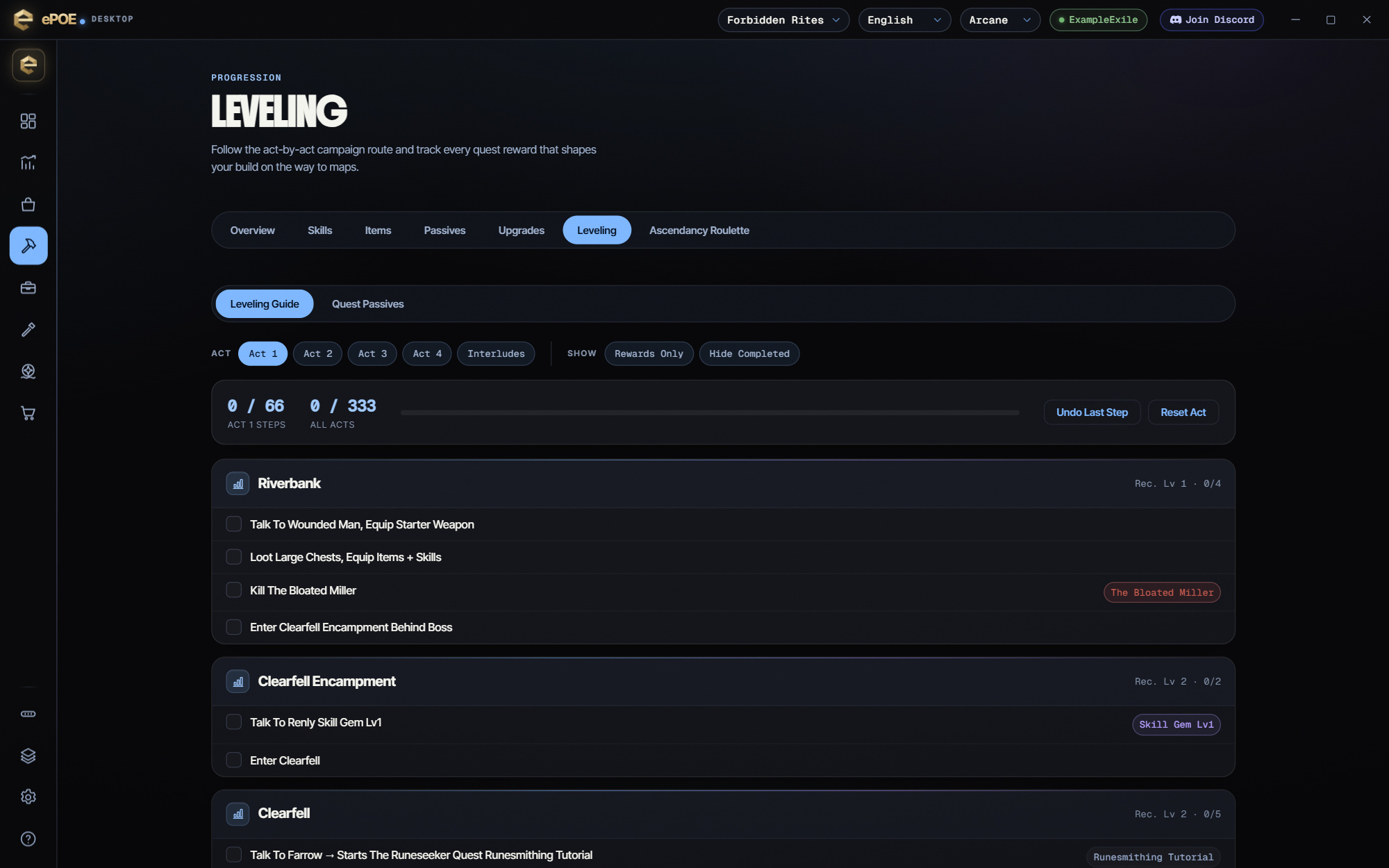
Gems to get, bucketed by where you are
The panel lists every gem your build uses, sorted into buckets by how they line up with your current level and act:
- Pick up now — gems you already meet the level requirement for.
- This act — gems that come online during the act you are in.
- Coming later — gems for further down the campaign.
- Requirement unknown — a gem the bundled tables don't recognize is still listed rather than dropped, its timing simply left open.
Each gem shows whether it is a Skill or a Support and the character level it first becomes socketable, worked out from ePOE's bundled gem tables. Tap a gem to tick it off; your picks are remembered, so the list becomes a checklist of what you still owe your build.
Build milestones
Below the gems, the panel surfaces the level-agnostic decisions your build has already made, so you don't drift off-plan:
- Ascendancy — the ascendancy your build commits to, and how many points it spends.
- Keystones — the keystones (and notable passives) it allocates.
- Target gear — the unique items your build is built around.
- Flasks — how many flasks the build carries.
Try it in your next session
Start with the first action in the walkthrough, check the values and state the app shows, then continue with the settings that suit your character or workflow. Your own configured hotkeys and selected league take priority over an example in a screenshot.
Download ePOE · Read the current changelog · Browse the guides


