 ePOE feature guide3 min read
Rune Scout: Read the Rewards Before You Choose
Reads the visible rune rewards row by row, prices them, and marks a single best pick over the game.


Reads the visible rune rewards row by row, prices them, and marks a single best pick over the game.
Finds the reward panel on screen, reads each row separately at higher resolution, fixes common misreads, never prices placeholders like “Unique Helmet”, and marks the single best choice. Windows and Linux.
Where to start
Open Expedition → Rune Scout in ePOE Desktop. If your layout differs, use Help to search for Rune Scout.
If you prefer a keyboard shortcut, check this feature’s current binding under Overlays → Hotkeys. Bindings can be changed, so use the one shown in your app.
- Open the rune reward panel in game.
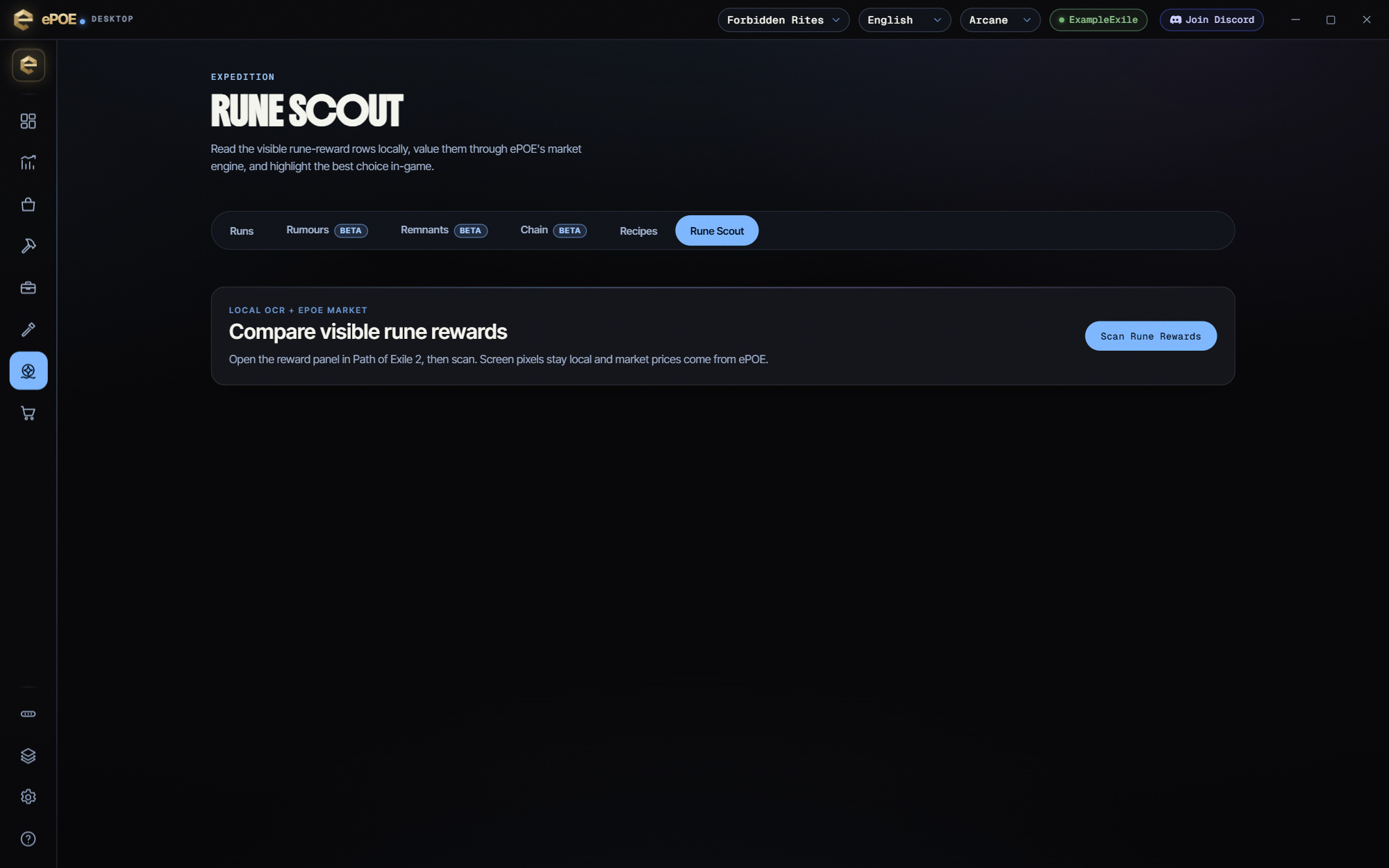
- Open Expedition → Rune Scout (or press the hotkey) and press Scan rune rewards — the panel is found automatically, for keyboard and controller layouts alike.
- Each reward row is read on its own at higher resolution; common misreads are fixed and two rewards read as one line are split.
- Placeholder rewards such as "Unique Helmet" or "Uncut Skill Gem" are never priced — what they turn into is not known until you take them.
- Take the highlighted pick — it stays over the game for your Scan Highlight Duration (Settings → Appearance) — unless your build specifically wants another. If a name still comes back garbled, copy the item and price-check it directly.
- If the panel is not found or rows are wrong, press Send This Failed Read (with Settings → Privacy → Send failed reads on), or attach the newest capture from %APPDATA%\ePoe Overlay\scanner-captures\rune to your bug report.
Best by price is not always best for you
The highlight tells you which rune is worth the most. That is usually the right answer, but not always:
- A rune your build actually wants can be worth more to you than a pricier one you would sell for a modest amount. Socketed power is immediate; a sale is not.
- Liquidity cuts both ways. A high-priced rune with thin volume may sit unsold. A common rune at half the price might convert to currency today.
- Early in a league, prices are noise. In the first days, take what your character needs.
So take the highlighted one unless you have a specific reason, and make that reason "my build needs this", not "I feel like it".
The feature in practice
Rune rewards put three or four options in front of you and give you one. Rune Scout reads what is on offer, prices each option, and marks the best one.
It lives in the Expedition hub: open Expedition → Rune Scout in the app. In game, press Rune Scout (Ctrl+Alt+L by default) to open or close it as a tool window over the game. Rebind it under Overlays → Hotkeys → Tool windows. Its Feature Bar button, Rune Scout, is off by default. Switch it on under Feature Bar → Buttons if you want it on the bar or the Selection Wheel.
Try it in your next session
Start with the first action in the walkthrough, check the values and state the app shows, then continue with the settings that suit your character or workflow. Your own configured hotkeys and selected league take priority over an example in a screenshot.
Download ePOE · Read the current changelog · Browse the guides


