 ePOE feature guide2 min read
Settings in ePOE: A Practical Guide
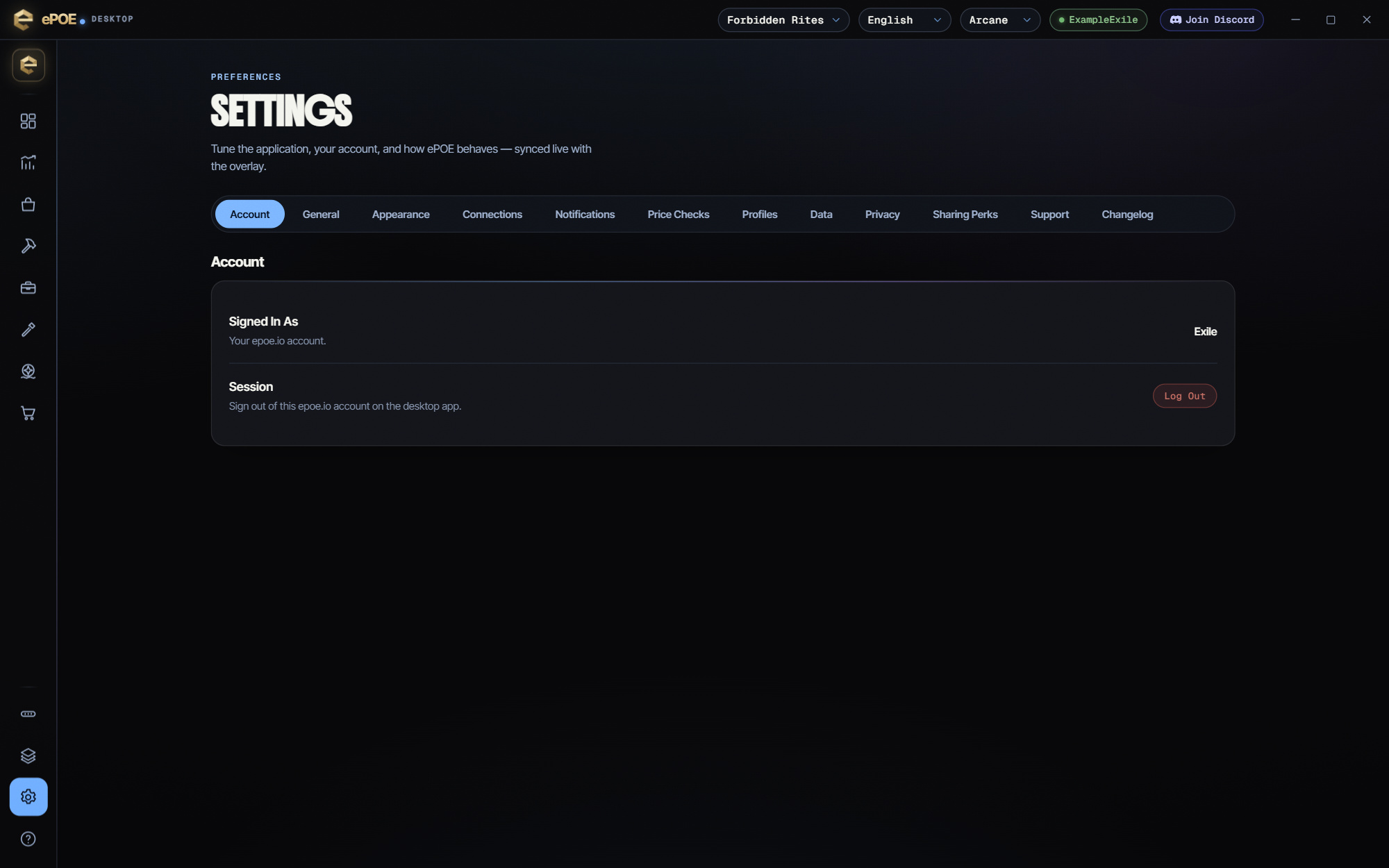
Twelve tabs: Account, General, Appearance, Connections, Notifications, Price checks, Profiles, Data, Privacy, Sharing Perks, Support and Changelog.


Twelve tabs: Account, General, Appearance, Connections, Notifications, Price checks, Profiles, Data, Privacy, Sharing Perks, Support and Changelog.
Where to start
Open Settings in ePOE Desktop. If your layout differs, use Help to search for Settings.
- Account: the epoe.io account you signed in with, and Sign out.
- Connections: connect your Path of Exile session so searches run on your own rate limit.
- Appearance: theme (Arcane, the epoe.io look, or the original Classic gold skin), overlay opacity, text size, interface scale, density, accent color and per-widget overrides, plus Scan Highlight Duration — how long Rune Scout, Well of Souls and Ritual highlights stay on the game after a scan (8 seconds by default, 3 to 30).
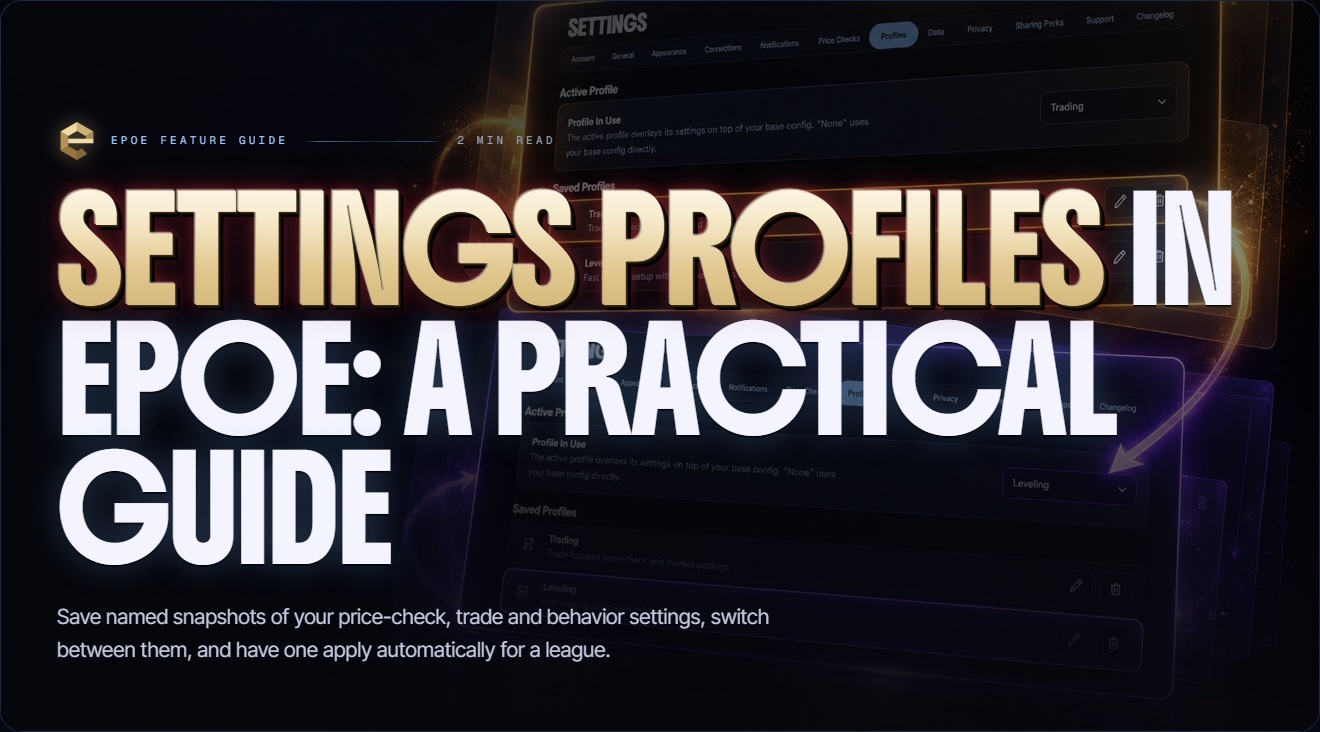
- Profiles: save named snapshots of your price-check settings, and optionally apply one automatically for a league.
- General and Price checks hold the game-facing settings: window title, monitor, Client.txt, screen reading, league and search behavior.
- Support: Report a Problem copies your diagnostics and opens the report page on epoe.io — paste them into its Diagnostics box. Help → Submit a Bug attaches them for you instead.
Sharing Perks
The perks that come with Product Telemetry: Beta Channel (Get Beta Updates), your Giveaway Ticket and the Draws you are entered in. With Product Telemetry off, the tab stays visible but greyed out under "Sharing Perks are off". See Telemetry and Sharing Perks.
Price Checks
The tab most worth a visit. League and Realm decide where every search runs. Default roll range sets where each mod filter starts, as a percentage of its roll — lower it if checks come back empty. Life, resistances, speed and crit start 5 points tighter, and sockets search their exact value. The price panel's Roll range slider changes the same setting. Pre-select all stats, Show seller, API delay and Currency display tune the results. Under Behavior: Restore clipboard, Close on game focus, Stash scroll (Left Alt+Scroll flips stash tabs) and Read Client.txt, which live whispers and zone tracking need. Quick Upgrade profiles lists profiles you imported and which one is the default.
Try it in your next session
Start with the first action in the walkthrough, check the values and state the app shows, then continue with the settings that suit your character or workflow. Your own configured hotkeys and selected league take priority over an example in a screenshot.
Download ePOE · Read the current changelog · Browse the guides