 ePOE feature guide3 min read
Well of Souls in ePOE: A Practical Guide
Works out which desecrated outcomes a copied item can still produce, before you commit to the well, and what hitting the one you want is likely to cost.


Works out which desecrated outcomes a copied item can still produce, before you commit to the well, and what hitting the one you want is likely to cost.
A desktop page that reads the well's real choice rows with bounded local OCR — three passes per row, Windows OCR or a bundled Tesseract engine on Linux — reconciles them against deterministic RePoE pools, and paints a tier badge on each row over your game.
Where to start
Open Scanners → Well of Souls in ePOE Desktop. If your layout differs, use Help to search for Well of Souls.
If you prefer a keyboard shortcut, check this feature’s current binding under Overlays → Hotkeys. Bindings can be changed, so use the one shown in your app.
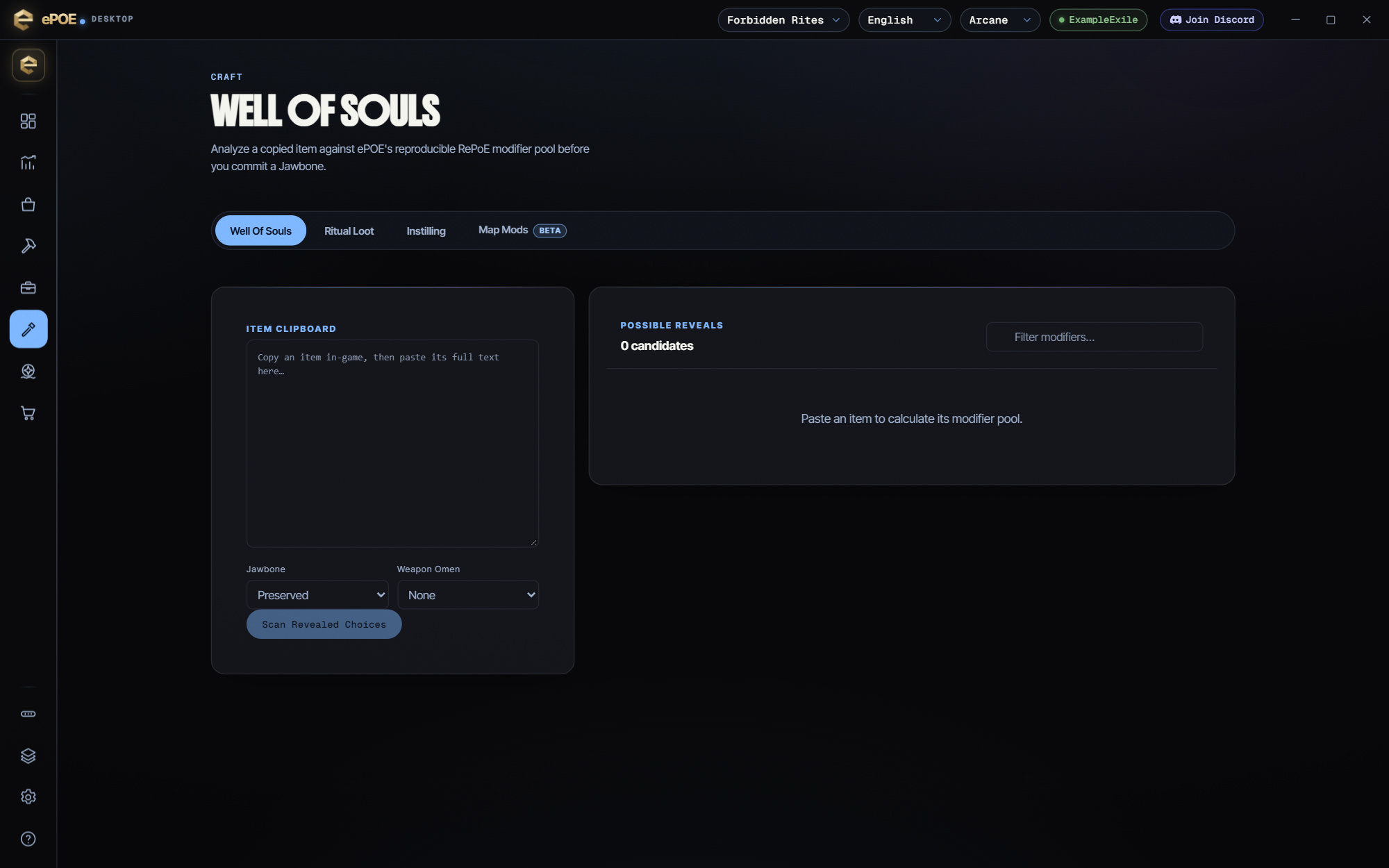
- Copy the item in game and paste it into ITEM CLIPBOARD on the Well of Souls page, then pick the Jawbone and Weapon Omen you will use.
- Read POSSIBLE REVEALS — each entry is a modifier this item can still get; groups the item already carries are left out.
- With the Well's choices on screen, press Scan revealed choices: ePOE finds the panel by itself, reads each choice row separately (three passes per row) and puts a tier badge on that row over the game for your Scan Highlight Duration (Settings → Appearance, 8 seconds by default). The deterministic list never needs it.
- In the COST PLANNER, tick the modifiers you are rolling for (Select Mods), enter Currency / Roll (Div) and Base Value (Div), and read Target Chance, Expected Rolls, Expected Invested and Expected Profit.
- Price the item as it stands first. If it sells for more than the gamble is worth, sell it.
Deciding whether to commit
The candidate list tells you what can happen. Four questions turn that into a decision:
Is the best outcome actually good for you? A desirable mod on the wrong base is still the wrong item. Check it against what your slot needs.
How many candidates are bad? A pool of three where two are junk is a different bet from a pool of eight where six are fine. The number of eligible entries describes the modeled pool, but real weights and choice rules are needed to establish actual probability.
What is the item worth now? `Ctrl+Alt+D` first. If the item as it stands sells for more than the expected value of the gamble, sell it. This is the same discipline as any other craft: the tool tells you the odds, you decide whether the odds are worth taking.
What will it cost to hit? The Cost planner under the candidate list does that sum. Tick the modifiers you are rolling for, fill in what one roll costs, and it shows the expected rolls, the expected spend and the expected profit. It reads the same weightless modifier pool as the list, so treat its numbers as a guide, not as measured odds.
The feature in practice
The Well of Souls tool takes a desecrated item and narrows down what it can still become. Open it from Scanners → Well of Souls, or bind a hotkey under Overlays → Hotkeys.
Try it in your next session
Start with the first action in the walkthrough, check the values and state the app shows, then continue with the settings that suit your character or workflow. Your own configured hotkeys and selected league take priority over an example in a screenshot.
Download ePOE · Read the current changelog · Browse the guides


