 Beta · Expedition Companion4 min read
Expedition Companion — Plan smarter. Loot better.
Read the site. Build the chain. Keep the history. Meet the Expedition Companion in the ePOE 0.20.0 beta — and bring a better plan to your next run.


Your next Expedition deserves a better plan.
The runes are on the ground. The rewards are tempting. And the order you choose can change the whole run. Meet the Expedition Companion — a new toolkit in the ePOE 0.20.0 beta that brings rumour tracking, reward pricing, chain planning, and run history into one place.
From the first Atlas tooltip to the final detonation, spend less time juggling information and more time deciding what is worth chasing.
READ THE SITE
Pool your rumours and compare Runeshape rewards before committing.
BUILD THE CHAIN
Plan your detonation order around the runes that carry value forward.
KEEP THE HISTORY
Track your runs and explore 322 recipes with market prices and Boon progress.
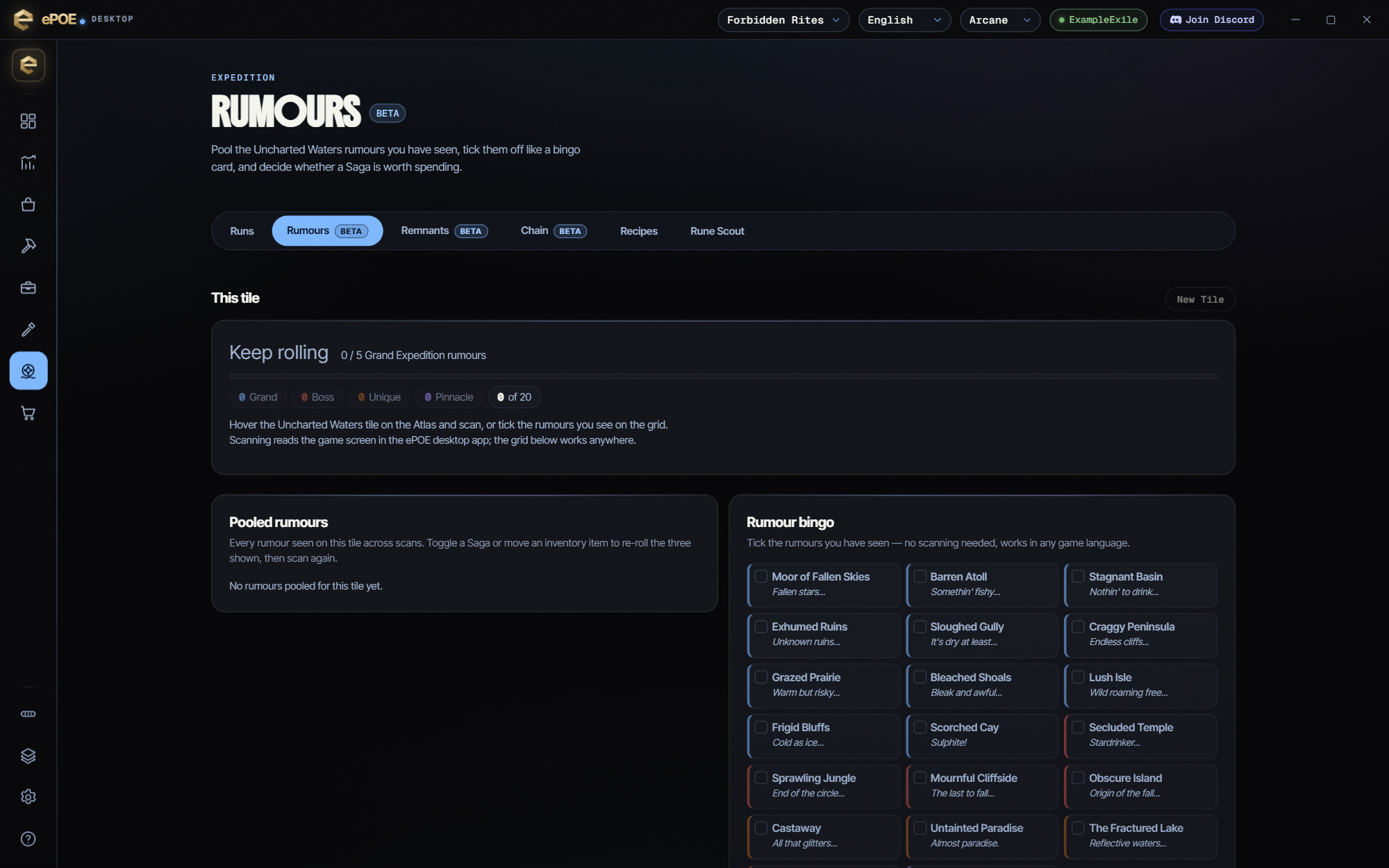
Rumour Tracker
See the bigger picture before you commit.
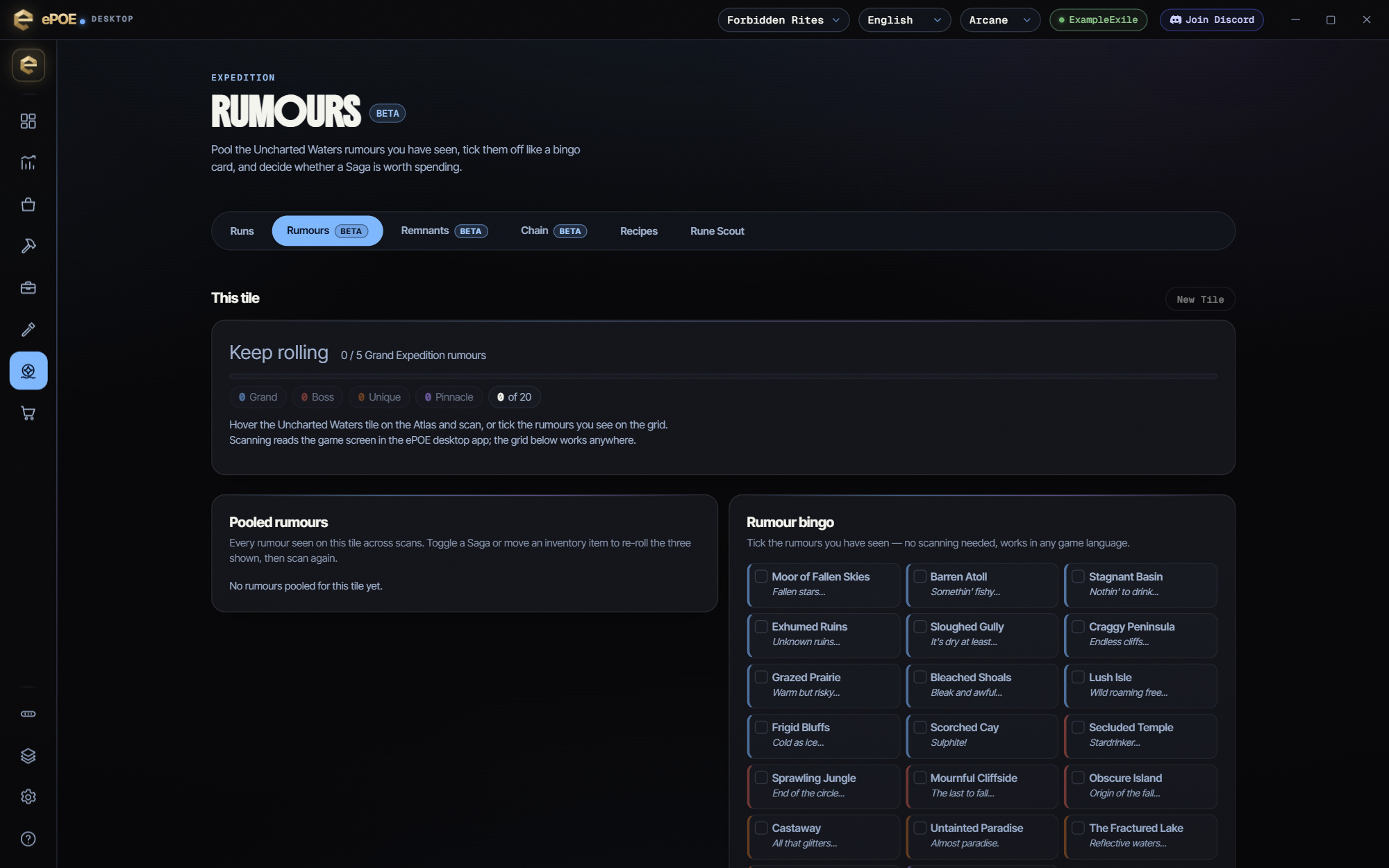
Three rumours in a tooltip are only part of the story. Scan the Uncharted Waters tooltip on your Atlas and the tracker pools the rumours it recognises across your Saga toggles. What you have seen stays together, instead of disappearing into a pile of half-remembered tooltips.
The Saga verdict checks your pool against a configurable rule. The default looks for at least five Grand Expedition rumours. Prefer a visual overview? The optional bingo grid makes the pool easy to scan and lets you track rumours manually.
Remnant Assistant
Know the reward. Understand the ripple effect.
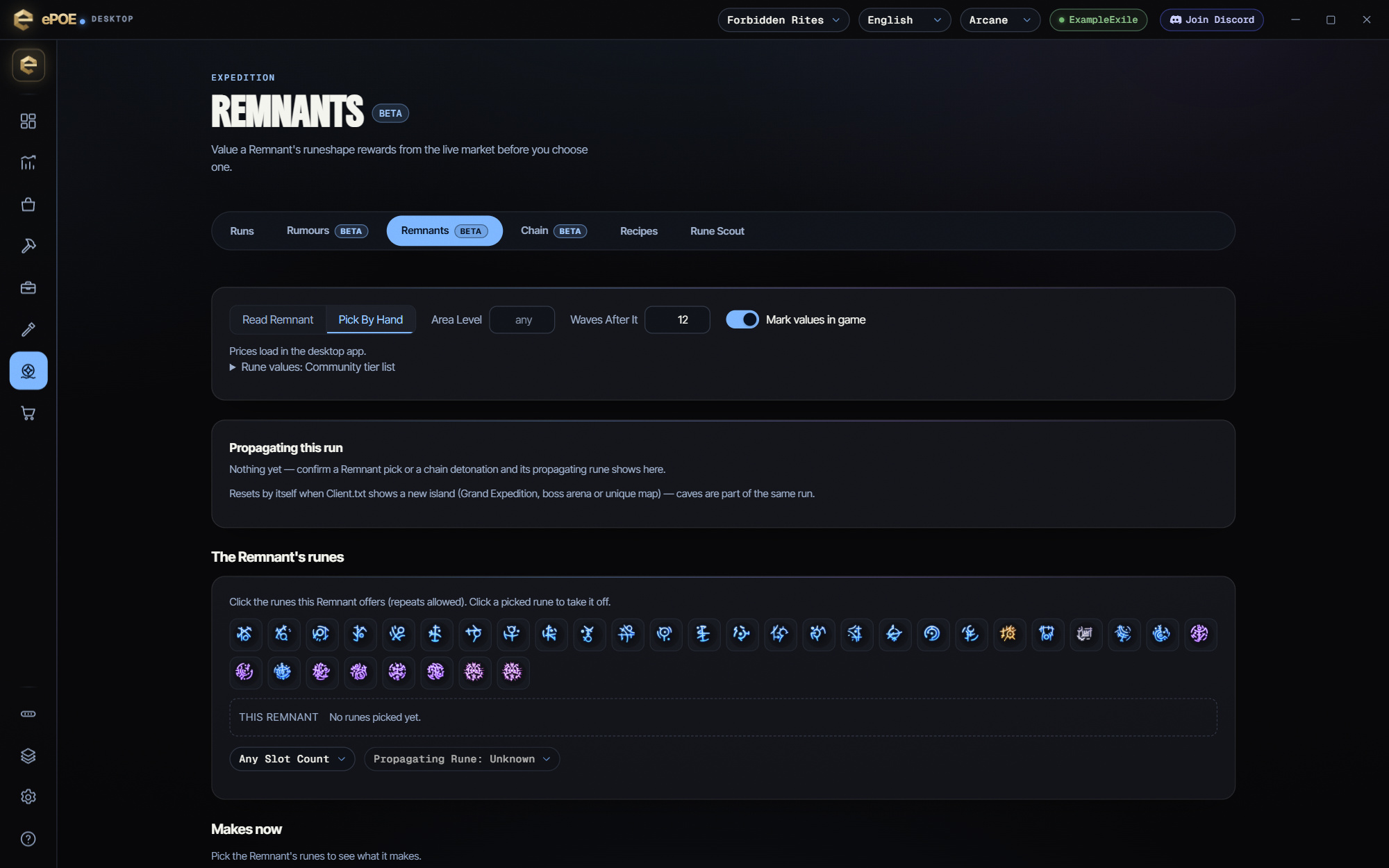
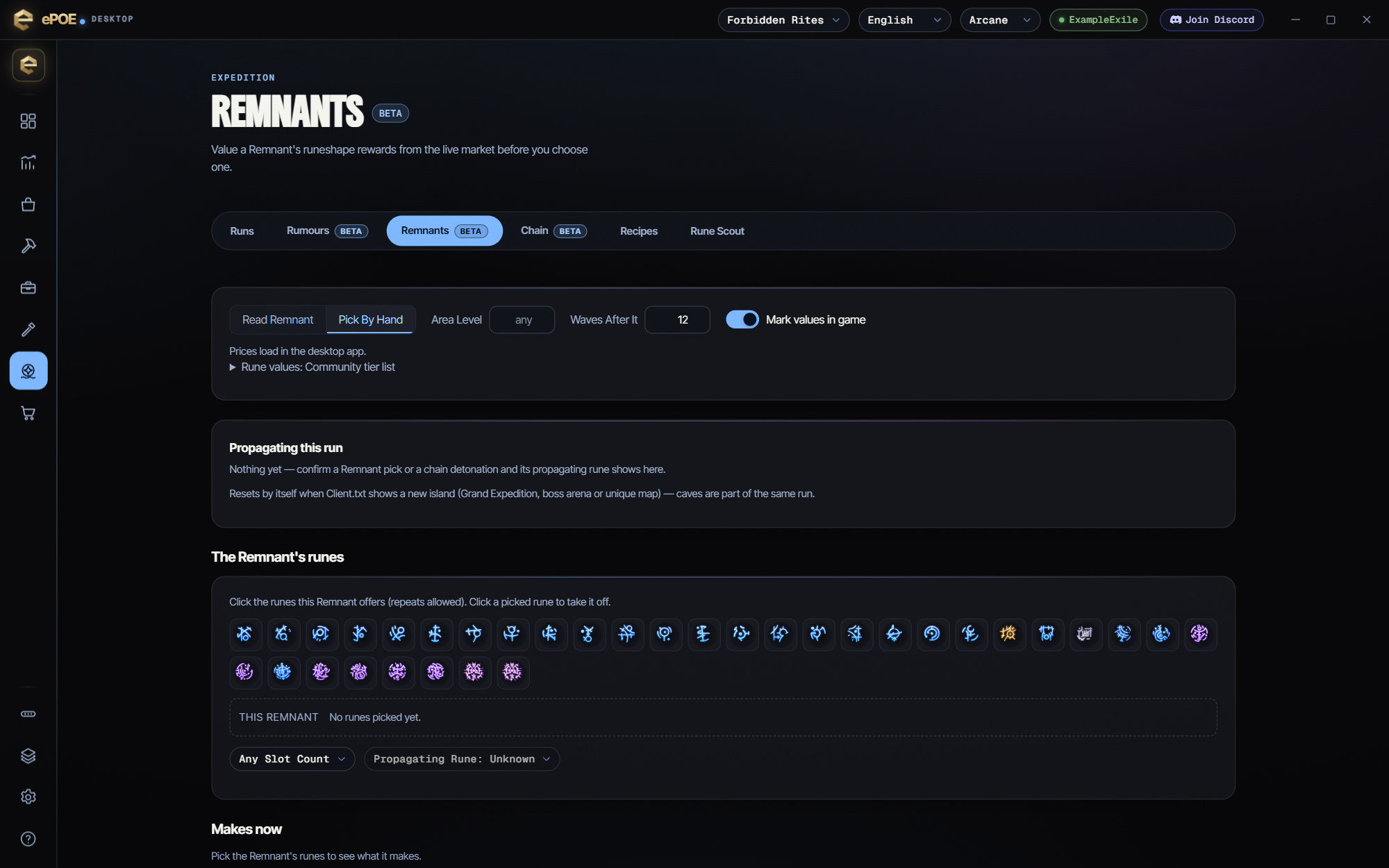
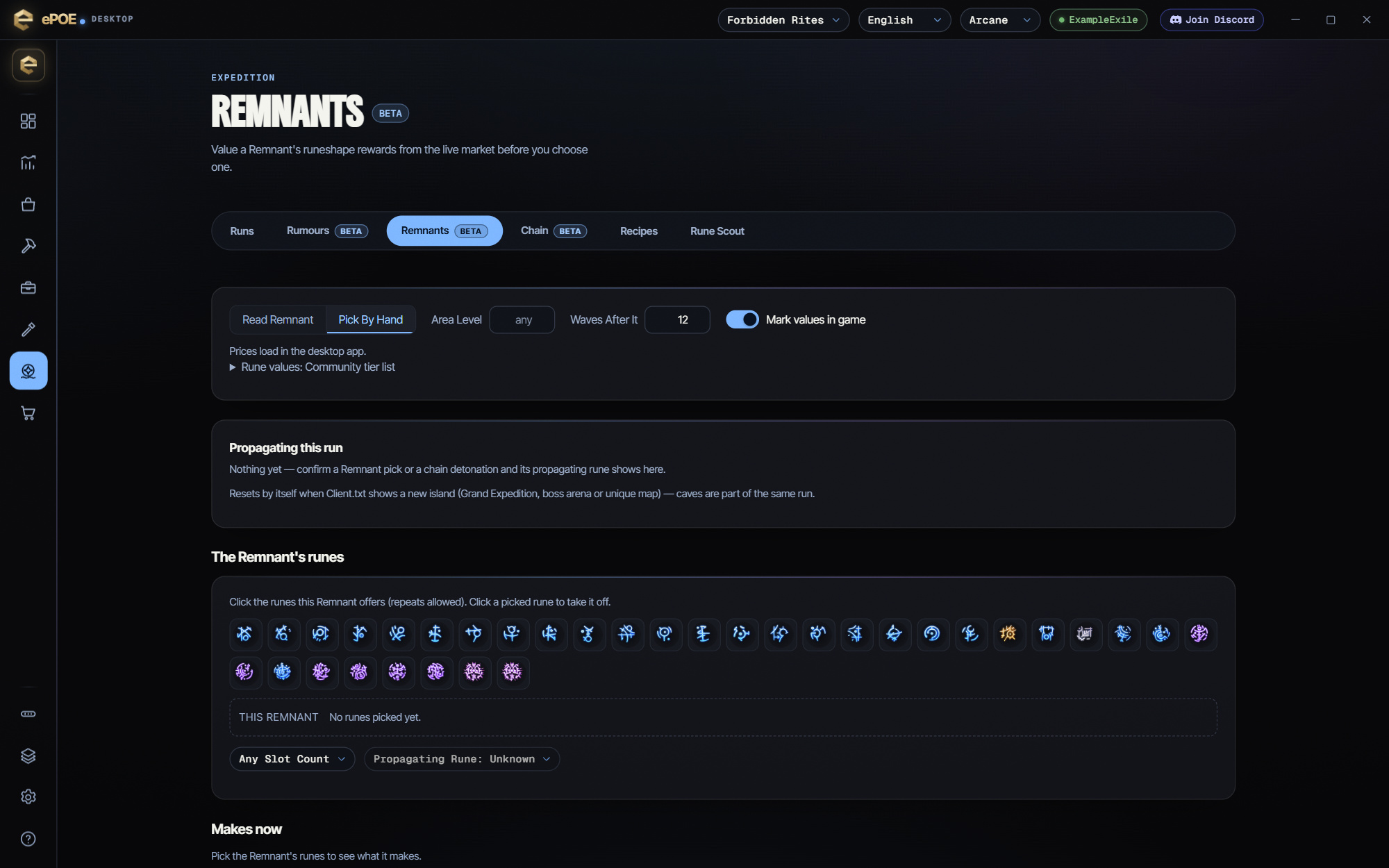
That tempting reward is only one part of the decision. Open your in-game Runeshape Combinations panel and scan it: the assistant identifies rune glyphs, reads the highlighted propagation slots, and compares reward options using market prices.
Its recommendations consider what carries down the chain, alongside the reward in front of you. Jackpot rewards such as a Hinekora’s Lock, a Mirror of Kalandra, Boons, and Sagas receive special priority. Options that would propagate Bond or Life are flagged and excluded from the best pick.
Chain Planner
Make the first blast count all the way to the last.
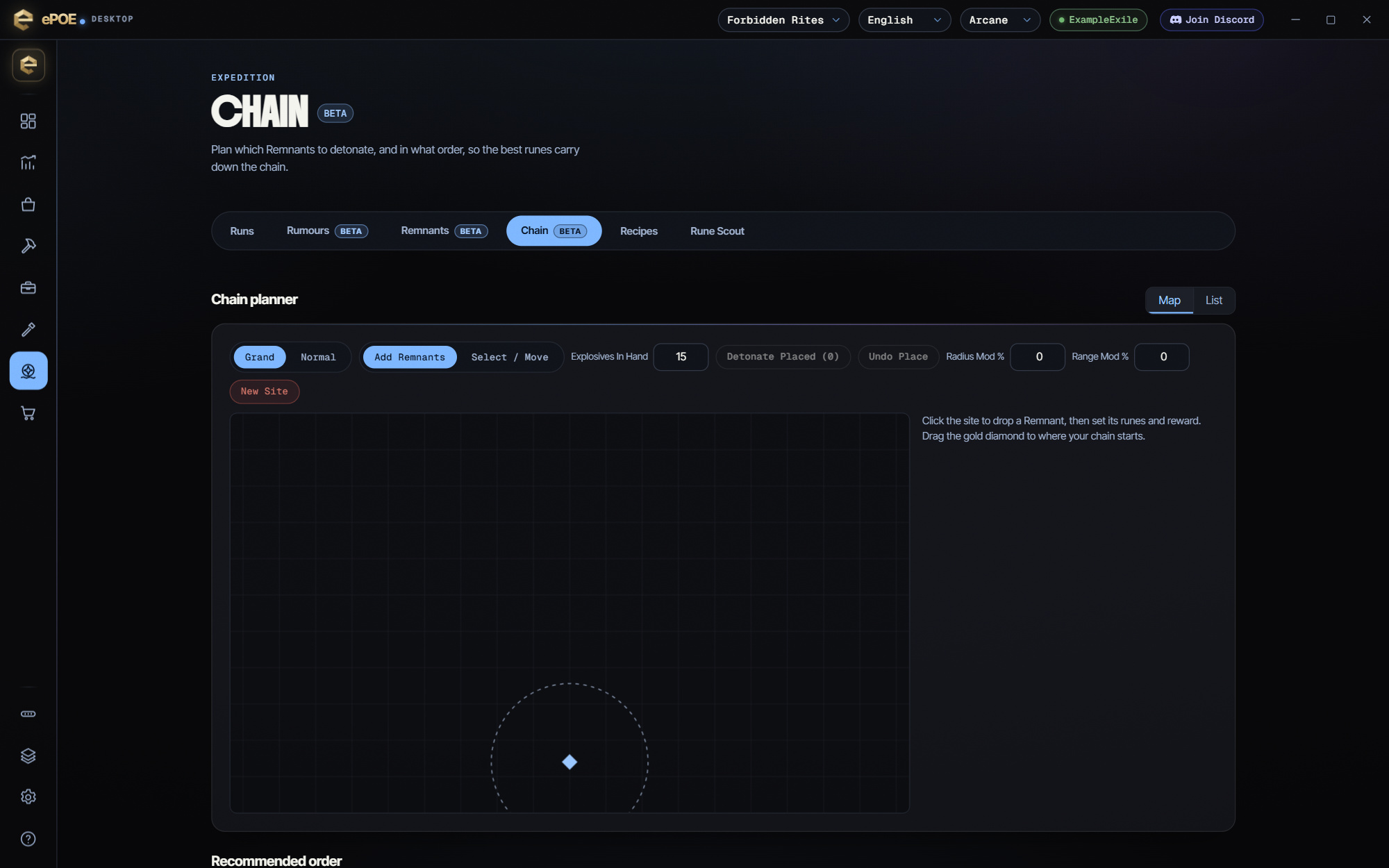
A strong Remnant in the wrong position can leave value behind. Add your sites, assign their runes and rewards, and set your Explosives in Hand. The planner gives you a Recommended Order and an Expected Value based on your plan and settings.
Use the Map view to work with the layout, or the clickable List view to follow your next detonation. Whether you are setting up a Normal Expedition or a Grand Expedition, you can see the chain before you commit to it.
Run Tracker
Run the Expedition. Keep the story.
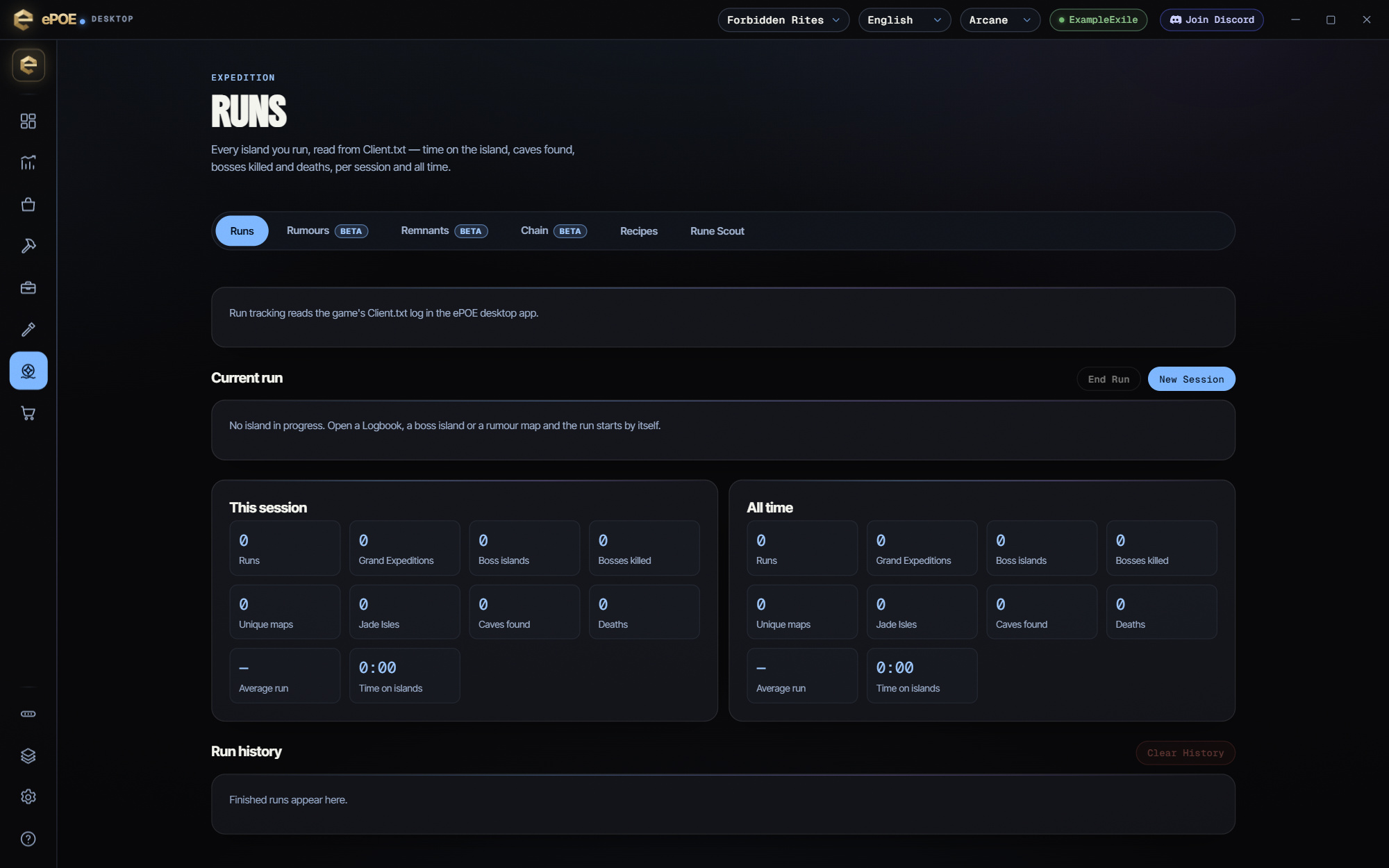
Your history should survive the next loading screen. The Run Tracker follows Client.txt to recognise Expedition areas and record your runs as you play. Review your route and time spent in the run without keeping a separate session notebook.
Recipe Browser
322 recipes. One place to find your next target.
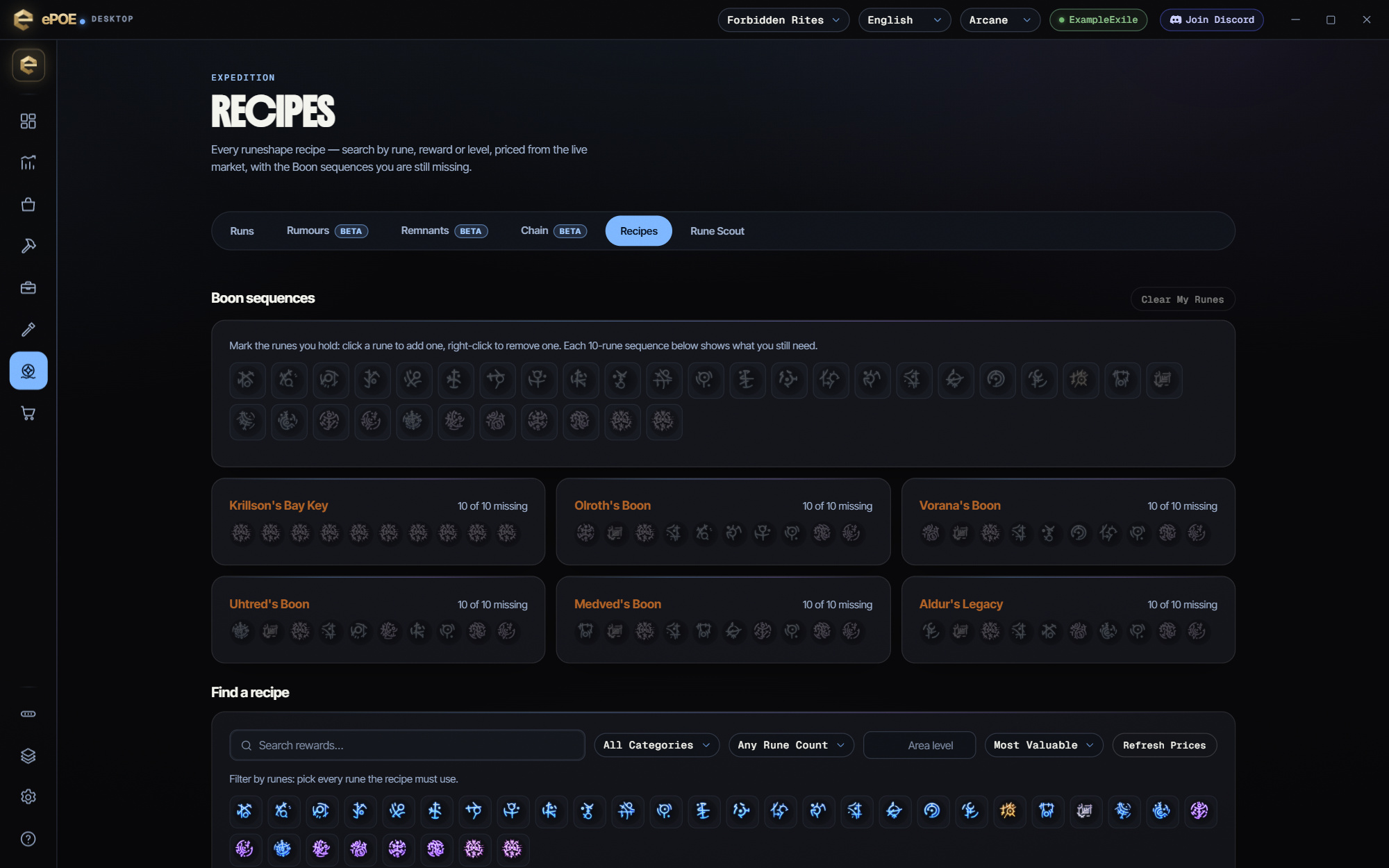
Know what you are chasing before you spend the artifacts. Search and filter all 322 Expedition recipes, compare available market prices, and keep your Boon progress in view. Turn a sprawling recipe table into a practical shortlist for your next run.
Map Mods by Source
Know what is making your map hit harder.
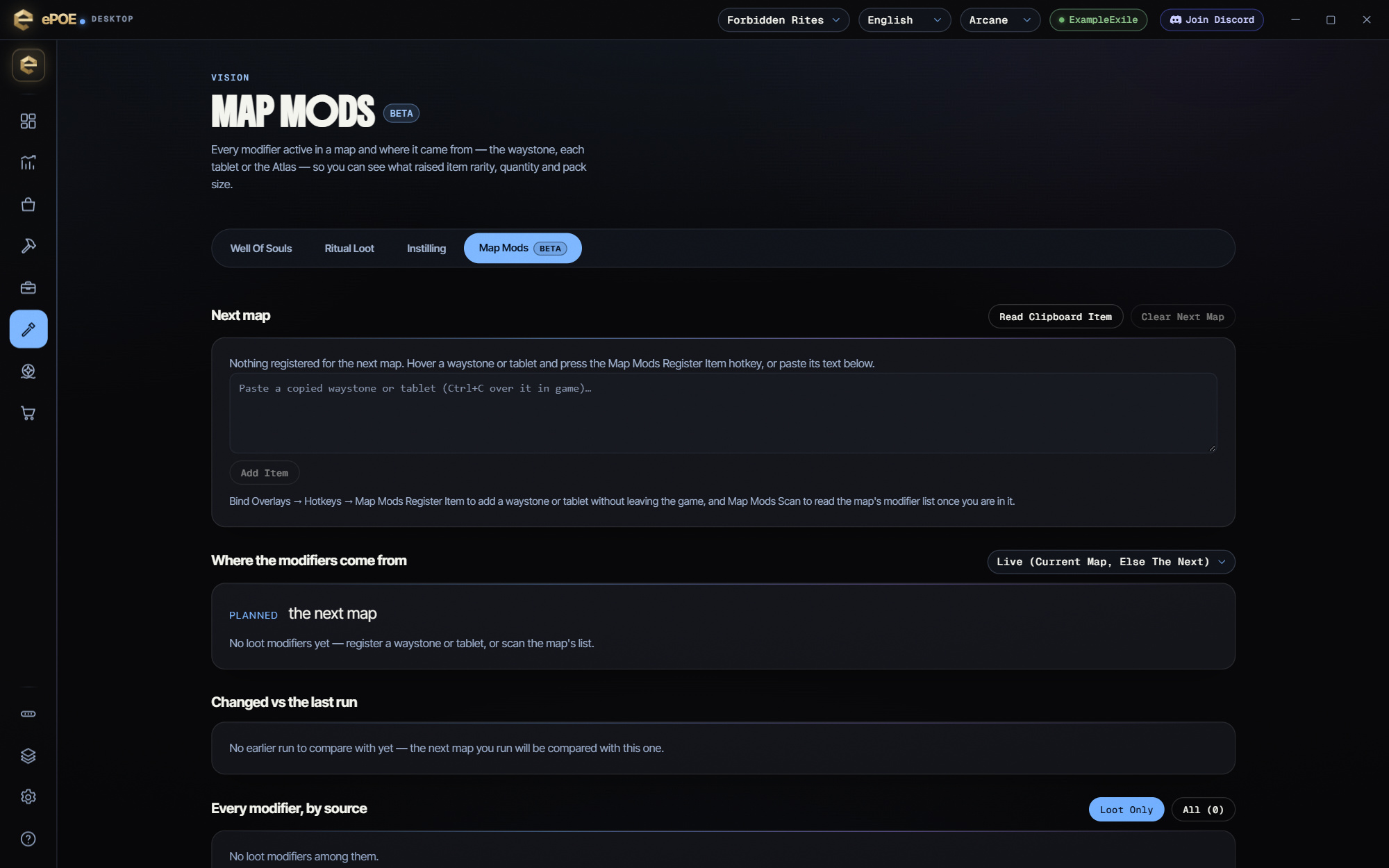
Waystone. Tablet. Atlas. When modifiers stack up, the source matters. The Map Mods view separates them so you can see what each part of your setup contributes and make your next adjustment with a clearer picture.
Use the current release. Share what needs work.
Bring the Companion into your next Expedition and report reproducible problems with the scan or recommendation.
- Use the normal update flow to install the current release. Beta builds are optional; the Sharing Perks page explains their requirements when you choose to test one.
- Install the available update when offered, then open Expedition and try the tools on your next run.
- If a scan or recommendation looks wrong, capture the panel and tell us what you expected to happen.
For beta-channel requirements and privacy controls, see the Sharing Perks guide. You can also report a bug with screenshots and steps to reproduce.
Made by exiles, for exiles.


